AI Card Skin Designer: Generate Your Own Design
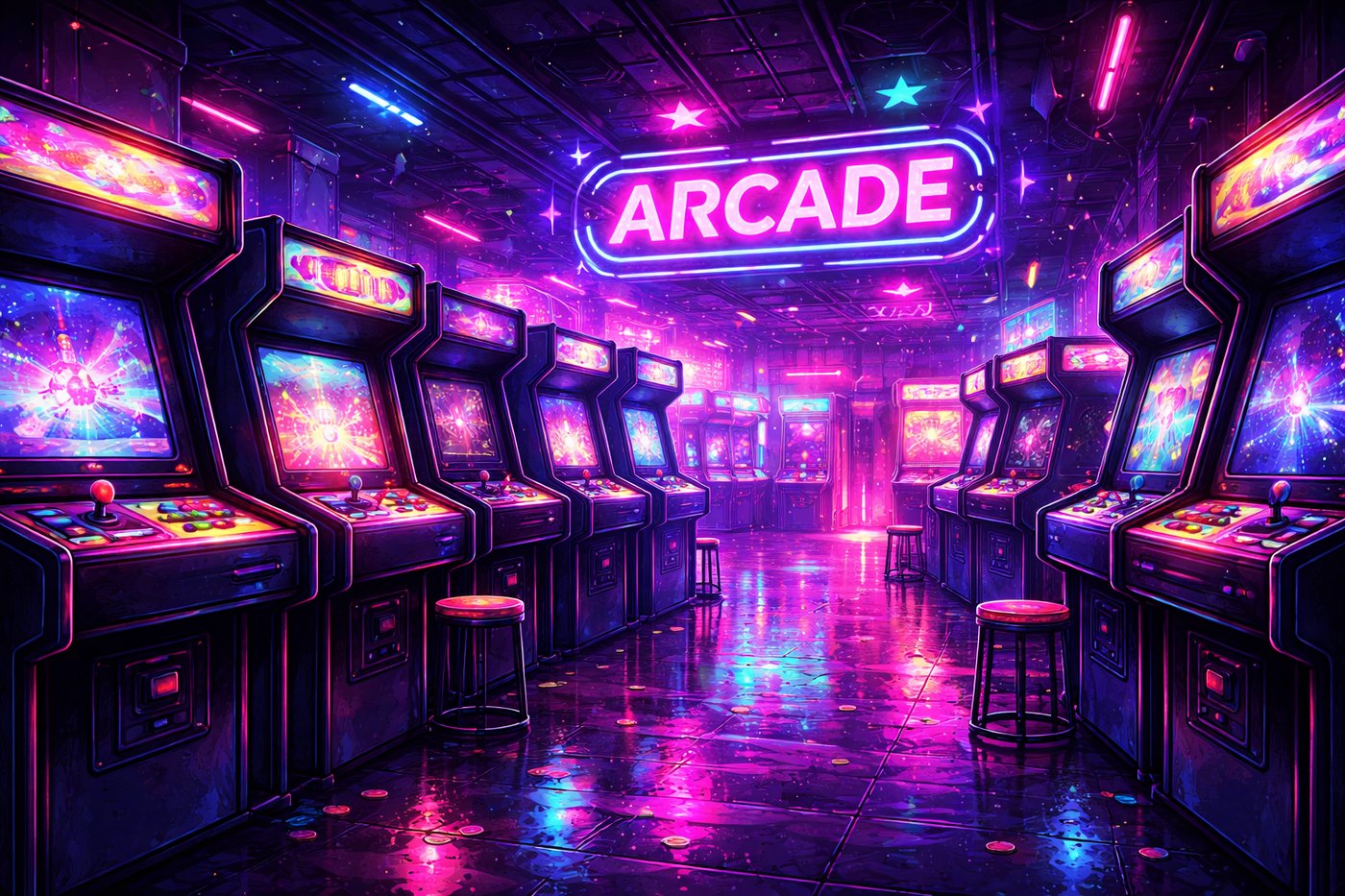
You know the vibe but not the file: cherry blossoms by a lake, neon arcade rain, a cozy cabin at dusk — and zero desire to open Photoshop. AI card skin design on Card Skins turns a short text prompt into printable front art inside the same designer you use for uploads, then ships as a real ultra-thin sticker with chip cutouts.
This guide shows how the AI Design Studio works, prompt formulas that look sharp at CR80 scale, what to avoid so the model does not invent gibberish text, and how AI compares to photo upload and catalog art. Price stays simple: $11.99 for 1 design + 3 free duplicates, free USA shipping.




What AI Design Studio actually does
On cardskins.me/#designer, open the AI Design Studio panel (marked NEW). Type a scene description, hit Generate, and the result becomes your card background — same canvas as a manual upload. From there you can pan, zoom, crop, add text or emoji, set cover style, and pick Large / Small / No Chip.
- Text → image for original backgrounds (not a copy of a catalog SKU).
- Live card preview with optional 3D rotate before checkout.
- Same checkout path as any custom design — rasterized, uploaded, added to cart.
- Cooldowns may apply between generates so the studio stays fair for everyone.
AI is one path inside the broader custom flow. Full tool map: custom credit card skin designer. Already have the perfect photo? Use photo upload instead.
Prompt formulas that print well on a card
Card real estate is small. Prompts that win are specific, visual, and light on microscopic detail.
| Goal | Prompt skeleton | Why it works |
|---|---|---|
| Nature flex | “cherry blossom tree by a lake at sunset, soft pink petals, cinematic lighting, no text” | Clear subject + mood + ban on letters |
| Game neon | “retro arcade street at night, neon purple and cyan reflections, anime style, no text, no letters” | Bold color blocks read at 85mm |
| Cozy | “tiny cabin in snowy pine forest, warm window glow, oil painting style, no text” | Style tag steers texture |
| Minimal abstract | “smooth gradient dunes in coral and teal, simple composition, no text, no watermark” | Leaves room for your own name text later |
- Add “no text, no letters” so the model does not invent fake logos.
- Name a style: anime, oil painting, watercolor, pixel, cinematic photo.
- Prefer one subject over a crowded collage.
- Generate again if the first crop fights the chip window — then re-frame with pan/zoom.
From generate to cart (clean workflow)
- Open the designer → AI Design Studio.
- Enter a prompt with subject + lighting + style + “no text”.
- Generate; if it is close, keep it and crop — do not chase perfection for 40 rounds.
- Nudge the image so faces/subjects sit clear of the chip overlay.
- Optional: add your text in the text tool (real fonts beat AI gibberish).
- Choose cover size + chip size → Add Custom Design to Cart.
Install later with the apply guide. Want inspiration before prompting? Browse 25 aesthetic bank card ideas or ready themes like Pokémon skins.
AI vs upload vs shop catalog
| Method | Control | Speed | Best for |
|---|---|---|---|
| AI Design Studio | Prompt + crop | Fast ideation | Original scenes you cannot photograph today |
| Photo upload | Exact real pixels | Minutes | Dogs, cats, family, real places |
| Shop catalog | Pick finished art | Instant | Known sets, memes, nature packs |
Hybrid move: generate an AI background, then overlay short personal text (“MIA ’26”, “Good boy”) in the designer. All paths share chip-safe cutouts and the same $11.99 / 4-sticker deal.
Quality, rights, and realistic expectations
- AI art can glitch. Weird hands, melted edges, random letters — regenerate or crop them out.
- Not a license to clone brands. Do not prompt trademarked logos, celebrity lookalikes for scams, or official card faces you do not have rights to commercialize as your own IP story. Decorative personal use skins still need good-faith prompts.
- Print softens noise. Ultra-fine sparkles may vanish; bold shapes survive wallet life better.
- Payments still matter. AI is only the graphic. Thickness, chip cutout, and apply quality decide whether tap still works — see contactless guide.
Prompt checklist before you generate
- One clear subject?
- Lighting or time of day named?
- Style keyword present?
- “No text / no letters / no watermark” included?
- Colors bold enough for a dark leather wallet?
- Plan for chip: subject not locked to the far left?
If three answers are “no,” rewrite the prompt once before burning cooldown cycles.
Spin the skins in 3D
Drag any card to flip and rotate — same energy as product pages on Card Skins.
Card Skin
Card Skin
Card Skin
Card Skin
Card Skin
Card Skin
FAQ
Is the AI card skin designer free to try?
You can open the designer and use AI Design Studio on cardskins.me without buying first. Generation may include a short cooldown between runs. You only pay when you add a finished custom design to cart and checkout — $11.99 for 1 skin + 3 free duplicates with free USA shipping.
Can AI designs work with chip and Apple Pay?
Yes — AI only creates the artwork. The physical skin is still ultra-thin vinyl with a chip cutout. Leave contacts open, apply front-only, and test tap after install. Phone Apple Pay uses your phone, not the plastic face art.
AI vs uploading my own photo — which should I use?
Upload when you need an exact real photo (pet, family, trip). Use AI when you want a scene that does not exist in your camera roll. Many people do both across different cards. Both paths live in the same designer and same price.