Pokémon Card Skins: Every Set You Can Choose (With 3D Previews)
If your wallet still looks like a bank brochure, the fix is simple: Pokémon card skins that turn everyday plastic into a collector vibe you can actually spend with. Card Skins stocks classic set energy — Base Set holos, Jungle favorites, Fossil legends, Team Rocket dark variants — cut as ultra-thin front skins so chip, tap, and swipe still work.
This guide is your full catalog tour: which sets you can shop, how the art looks on a real CR80 bank card, how to spin designs in 3D before you buy, and how to pick a holo that still feels good after a hundred coffee runs. Not affiliated with Nintendo or The Pokémon Company — fan-style decorative skins only.
What Pokémon card skins are (and are not)
A Pokémon credit card skin is a precision peel-and-stick vinyl layer sized for standard bank cards (CR80: about 3.375″ × 2.125″). The front gets the art; the chip gets a cutout; the magstripe on the back stays clear. You are not buying a playable TCG card, a metal blank, or a bank redesign — you are dressing the card you already own.
- Front-only print — keeps swipe and contactless hardware happy.
- Chip cutouts — Large, Small, or No Chip so gold contacts stay open.
- Ultra-thin stock — built for wallets, ATMs, and transit slots — not bulky sleeves.
- $11.99 flat — 1 design + 3 free duplicates of that same design, free USA shipping.
Browse the live grid under Shop → Pokémon, or start from the home hero strip that scrolls every Pokémon skin. Prefer custom instead? Jump to AI card design or photo uploads.
Every set you can choose: Base Set, Jungle, Fossil, Team Rocket
Card Skins organizes Pokémon designs by classic set labels so you can filter like a collector — without hunting loose folders.
| Set filter | Vibe | Fan favorites on Card Skins | Best if you want… |
|---|---|---|---|
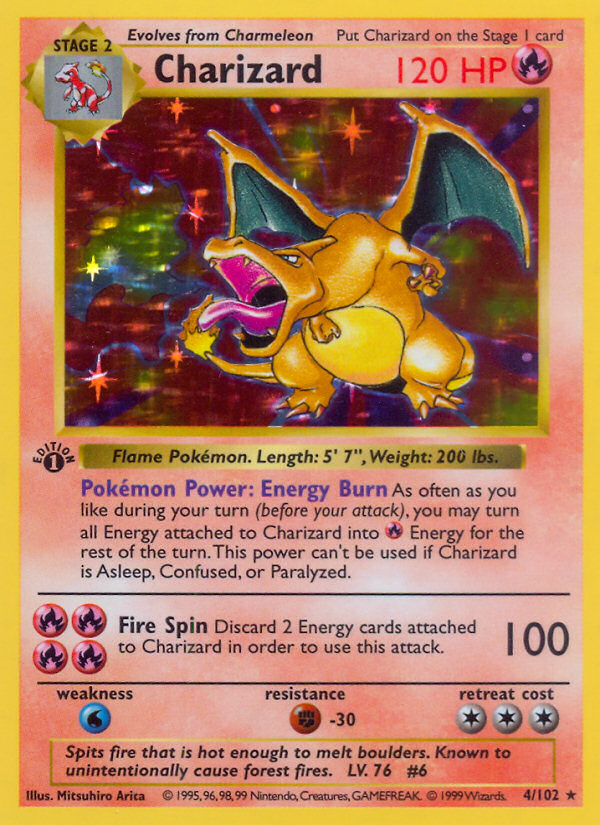
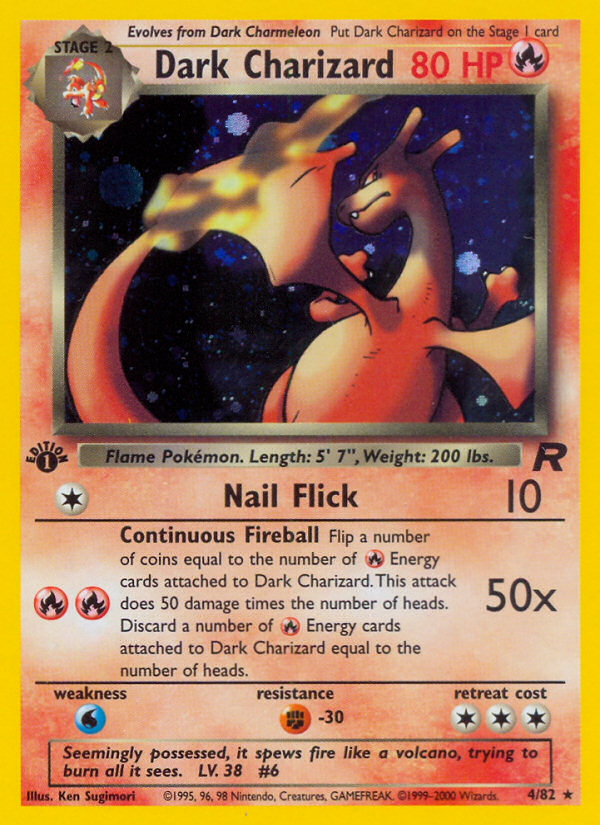
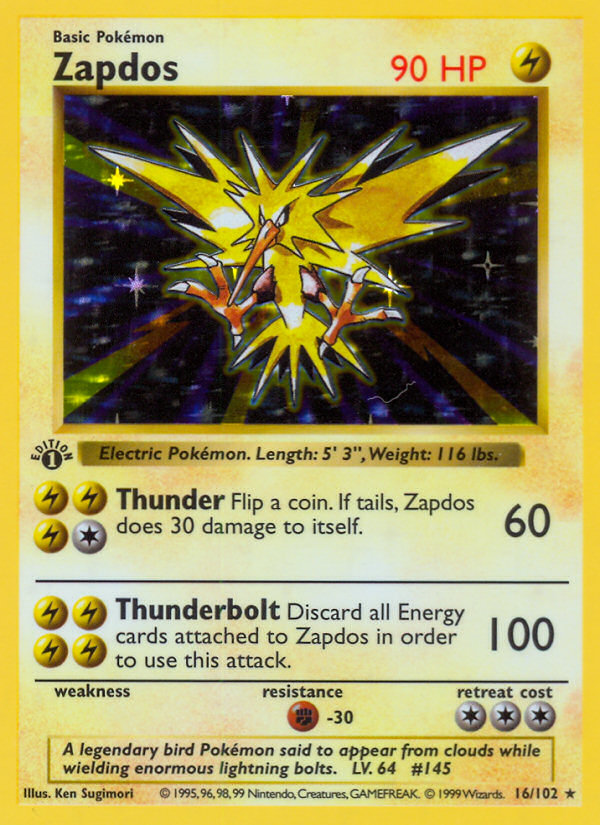
| Base Set | Original holos, pure nostalgia | Charizard, Blastoise, Venusaur, Mewtwo, Raichu, Gyarados, Zapdos | Instant recognition at checkout |
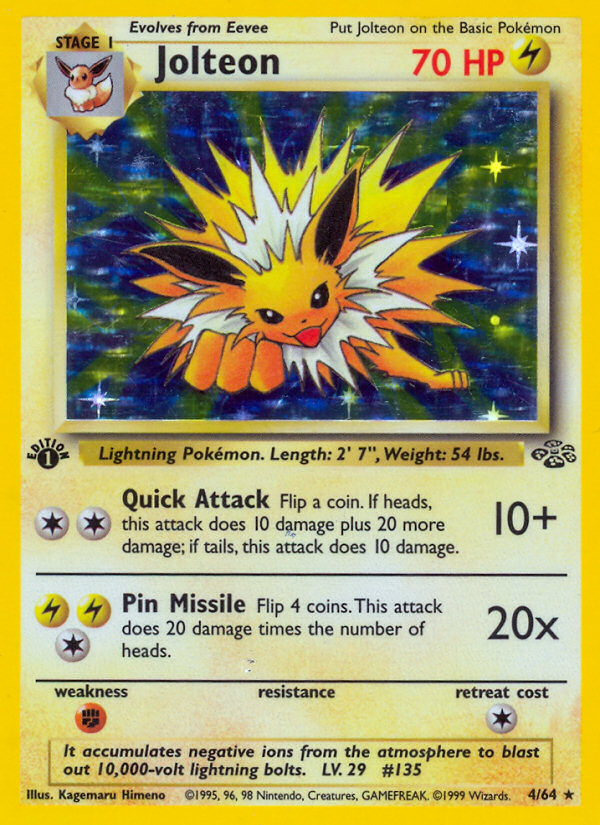
| Jungle | Green-set icons & eeveelutions | Flareon, Jolteon, Vaporeon, Snorlax, Scyther, Pidgeot | Soft palette, creature close-ups |
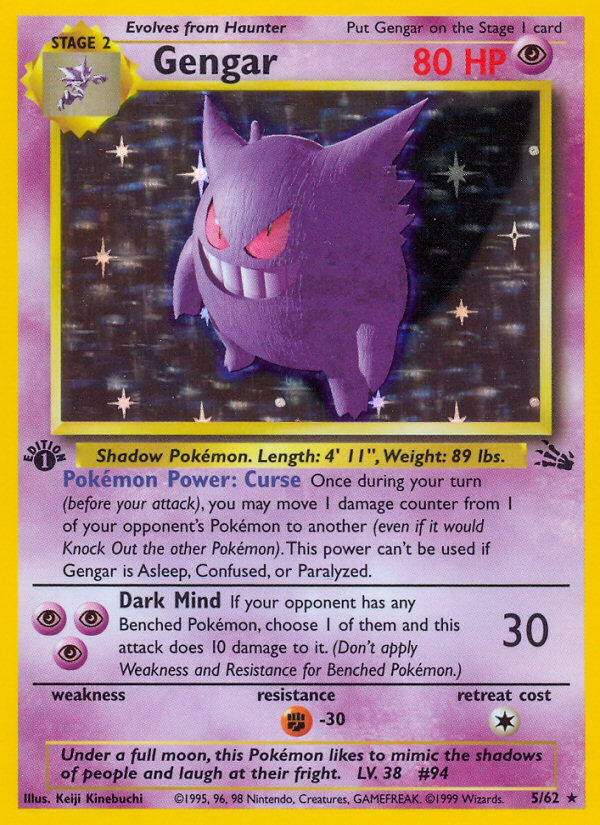
| Fossil | Ghosts, fossils, legendaries | Gengar, Haunter, Aerodactyl, Articuno, Dragonite, Ditto | Moody, spooky, or prehistoric energy |
| Team Rocket | Dark variants, villain arc | Dark Charizard, Dark Blastoise, Dark Alakazam, Dark Dragonite | Edgier wallet flex |
Filter in the shop with Pokémon sub-pills (Base Set / Jungle / Fossil / Team Rocket). Counts move as we add art, but the structure stays: pick a set → pick a mon → choose chip size → add to cart.
Gallery: real Pokémon skins (pictures + 3D rotate)
Product pages let you drag the card to flip and rotate with a holo sheen — the same interactive preview we embed here. Scroll the pictures, then grab a card below and spin it. Art is portrait TCG-style photography printed to CR80 skin proportions (chip window sits front-left on the finished sticker).
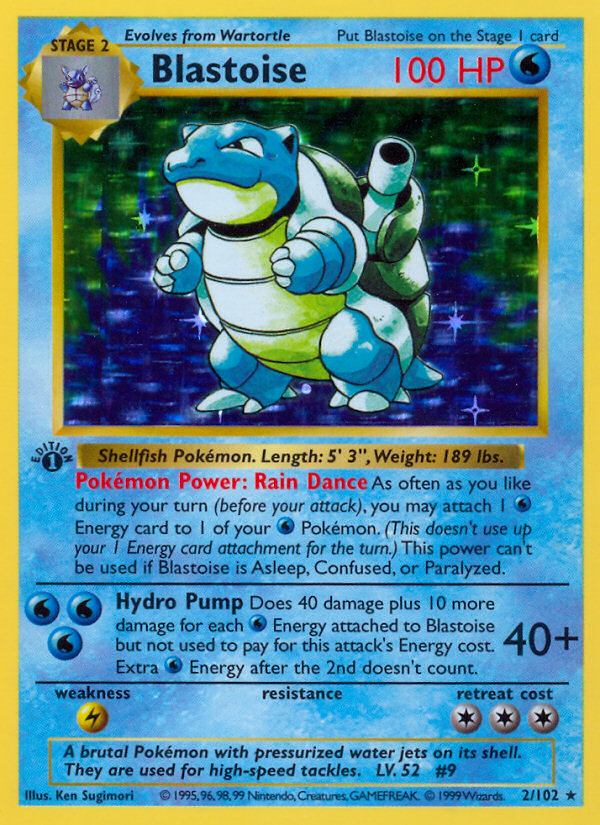
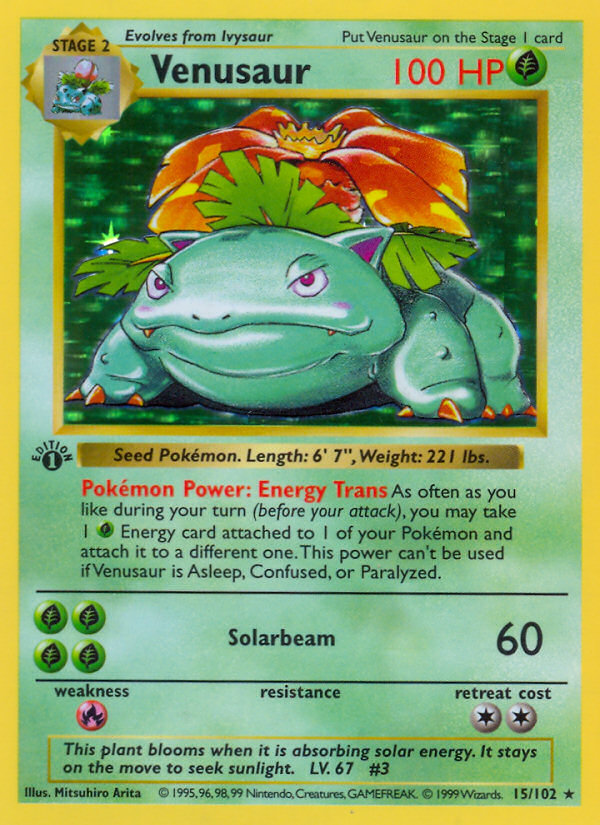
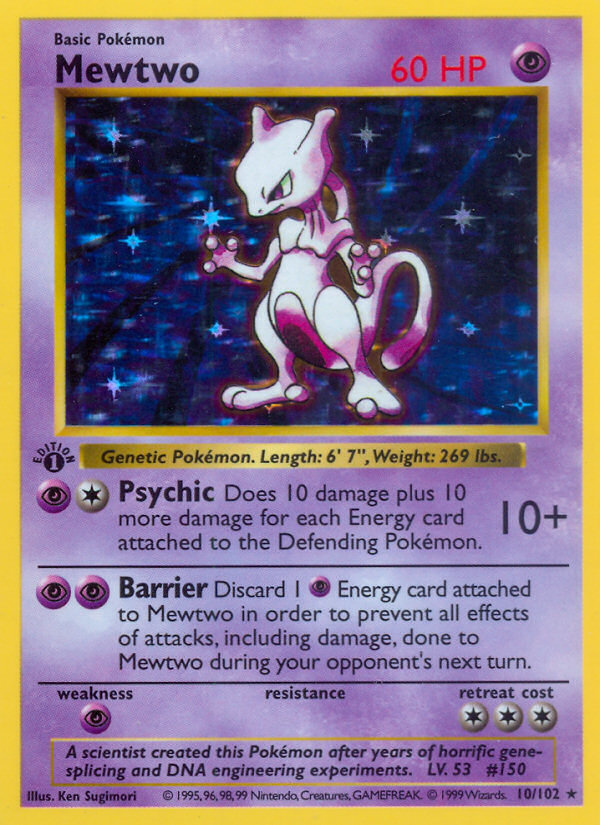

Drag to flip & rotate (3D)
Same 3D control as the shop — grab a corner and spin.
Card Skin
Card Skin
Card Skin
Card Skin
Card Skin
Card Skin
How to pick the right Pokémon skin for your card
- Match the chip first. Look at your gold pad → Large or Small cutout. Wrong size is the #1 “it looks crooked” complaint.
- Bold mons read better small. Charizard, Gengar, Snorlax, and legendary birds punch through at card scale. Ultra-busy scenes can mush.
- Color vs. wallet leather. Dark Rocket art on a black bifold = stealth flex. Jungle greens pop on tan leather.
- Daily debit vs. flex credit. Put the loudest holo on the card you actually show; keep a quieter Nature design for work if needed — see aesthetic bank card ideas.
- Order the dups. Every design is 1 + 3 free same-design stickers. Practice on a spare if you are new to peel-and-stick.
Application steps that keep holos bubble-free: how to apply a card skin. ATM and tap checklist: are card skins ATM safe and card skins + Apple Pay.
Pokémon skins vs custom photo vs AI art
| Path | Speed | Look | Best for |
|---|---|---|---|
| Catalog Pokémon skins | Instant pick | Classic set art | Fans who want a known mon now |
| Upload photo | Minutes | Dogs, cats, family, trips | One-of-one sentimental cards |
| AI Design Studio | Prompt → generate | Original scenes & styles | When no catalog skin matches the vibe |
All three paths land the same physical product: ultra-thin CR80 skins, chip cutouts, $11.99 for 1 + 3 free duplicates, free USA shipping.
Buying checklist
- Open Pokémon category and filter Base Set / Jungle / Fossil / Team Rocket.
- Spin the product in 3D; confirm the art crop still shows the mon’s face/body you care about.
- Select chip size against your real card.
- Add to cart — remember dups are included for retries and multi-card matching.
- Apply with a clean card and chip-first alignment; test tap once.
New to skins overall? Start with the credit card skins guide, then come back for the holo flex.
FAQ
How many Pokémon card skins can I choose from?
Card Skins carries dozens of active Pokémon designs across Base Set, Jungle, Fossil, and Team Rocket filters — starters, legendaries, eeveelutions, dark variants, and more. The shop count updates as new art is added; open the Pokémon category for the live total.
Do Pokémon card skins work with chip and contactless?
Yes when you leave the EMV pad fully open with the correct Large/Small cutout, keep skins front-only (magstripe clear), and stay ultra-thin. Always run a quick tap and chip test after install. Thick DIY laminates are the usual problem — not a correctly fitted Card Skins sticker.
Are these official Pokémon Company products?
No. Card Skins sells decorative third-party card skins inspired by classic card art for personalization. Not affiliated with, endorsed by, or sponsored by Nintendo, Game Freak, Creatures, or The Pokémon Company. For playable TCG cards, buy official sealed product from licensed retailers.